Paste your agenda, get a run sheet timer
Updated:
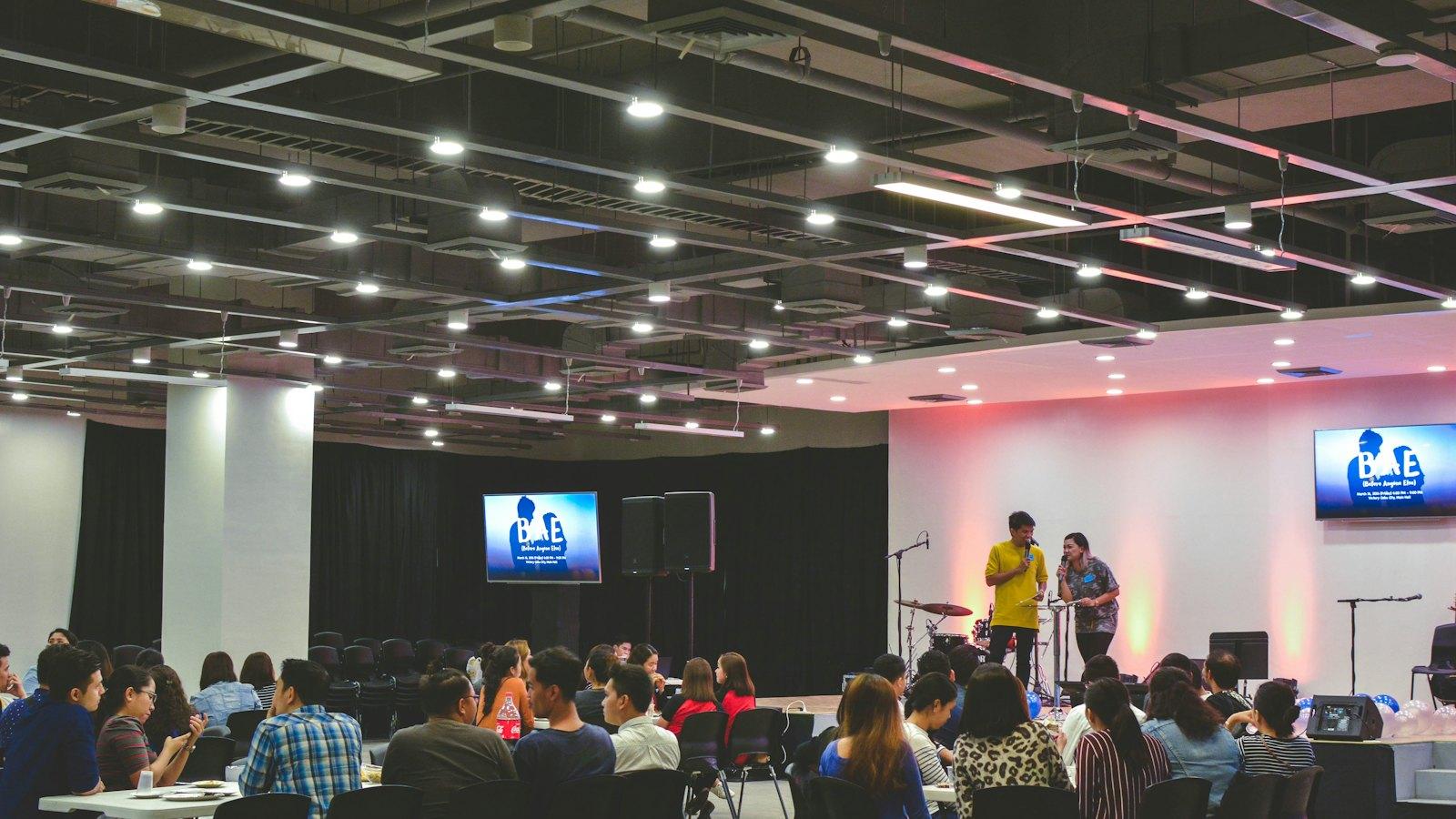
Event agendas usually arrive as a document or an email. Kampe Timer reads that text as it is and turns it into a run sheet.
Steps
1. Press “Try the timer free” on the home page to open the controller.
2. Press “Build from agenda” and paste the agenda you copied from Word, Excel or an email.
3. Each line becomes an item, and the duration is read from the times or from “5 min”. The planned end of the whole event is set from the start time on the first line.
4. On the day, just press “Start”, then “Next” to move through the items.
Formats that work
Lines like these are read as they are. Both 12-hour (1:00 PM) and 24-hour (13:00) times work.
1:00 PM Welcome
1:05–1:25 PM Keynote
- Q&A 10 minutes
Toast (3 min)
Part 2
2:00 PM Panel discussion
2:45 PM Close
How durations are set
- A start and end time, like “1:05–1:25 PM”: the time between them (20 minutes)
- A length, like “10 minutes”, “3 min” or “(5 min)”: that length
- Only a start time, like “1:00 PM Welcome”: until the time on the next line
- No next time, like the last line: 5 minutes for now (you can change it)
- A heading with no time or length, like “Part 2”: not added as an item
If a line isn't read correctly
Put the time at the start of the line (“1:00 PM Welcome”, not “Welcome 1:00 PM”).
After pasting, you can still edit each item's name and duration in the controller, and change the order.
See if you're ahead or behind
While the event runs, the controller shows when it will end at this pace and how many minutes behind schedule you are. You can decide early to shorten a break or cut the Q&A.