What is a remote cue card?
Updated:
Instead of holding up a sketchbook, staff send text cues from a phone to a screen in front of the speaker. No voice, no gestures, and only the speaker sees it.
How it works
You use two devices: a display the speaker can see (a monitor, tablet or laptop) and a controller the staff hold (a phone or computer).
Pick or type a message on the controller and it appears on the display right away over the internet. In Kampe Timer the cue shows on the same screen as the time left, so the speaker reads both at a glance.
How it differs from paper cue cards
- Nobody has to stand in the speaker's line of sight (you can send cues from the sound booth or the back of the room)
- Less likely to show up in the audience's view or on camera
- No rewriting. Common lines are one tap
- You can make a cue flash or change its color when it needs to be noticed
- On the other hand, you need a display and an internet connection on both devices
Where it fits
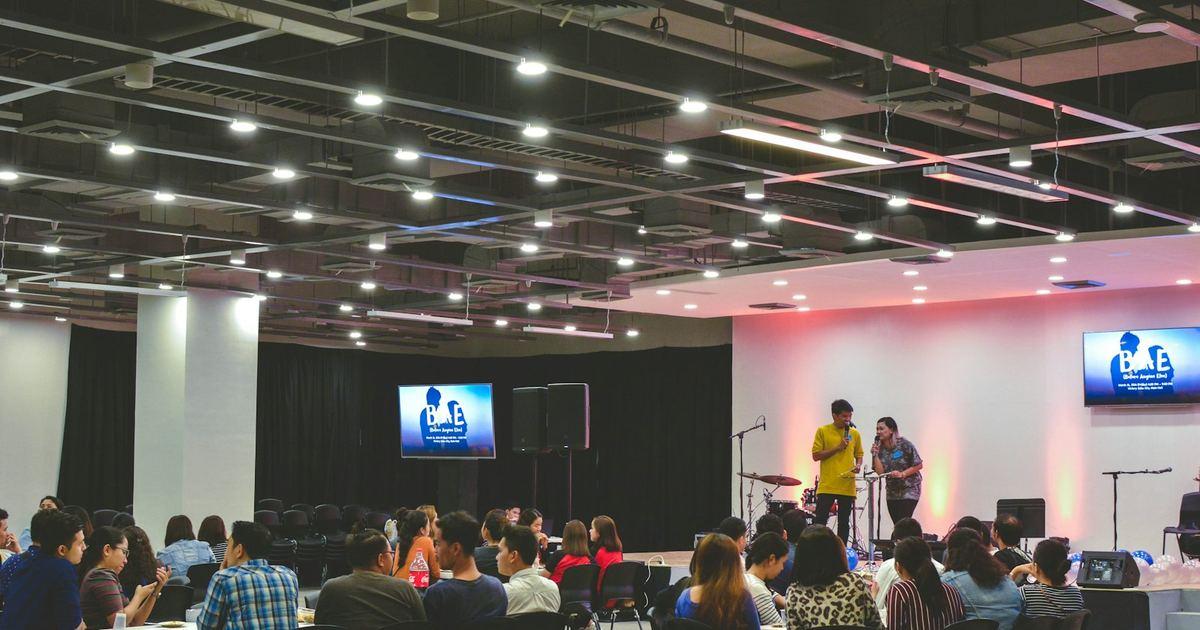
- Talks and seminars (time left and “Please wrap up”)
- Conference presentations (speaking time and switching to Q&A)
- Wedding and ceremony MCs (whether the next part is ready)
- Live streams and webinars (signals to the presenters)
Getting started with Kampe Timer
Press “Try the timer free” on the home page to open the controller. Scan the QR code or open the link on the display, and you're set. No sign-up, nothing to install.
Preset cues like “Please wrap up” or “1 minute left” are one tap, and you can send your own text up to 60 characters in the color you choose. Up to 2 screens are free.